MogForge
Find appearances by item name, slot, armor type, and color.
Color themeAlliance
Explore armor and weapons by appearance, then narrow the catalogue by slot, source, or color. Open an item to check its known source and 3D preview before adding it to an outfit.
Item type
Item source optional
Filter indexed raid, dungeon, instance-drop, quest, vendor, crafted, PvP, achievement, Trading Post, and world-drop sources. Choices are saved in the page URL.
Slots
Color matching optional
Finding an appearance that fits
Start with the slot
Choose armor or weapons, then a slot such as chest, shoulder, or main hand. The source controls can narrow results to an expansion, activity, location, or difficulty when that information is indexed.
Match the look
Search for an item name or set, or choose colors to find pieces with a similar overall palette. Broad matching tolerates more variation; precise matching favors a closer outfit-wide color balance. An item can have several appearances, so inspect the preview rather than relying on its name alone.
Build and share
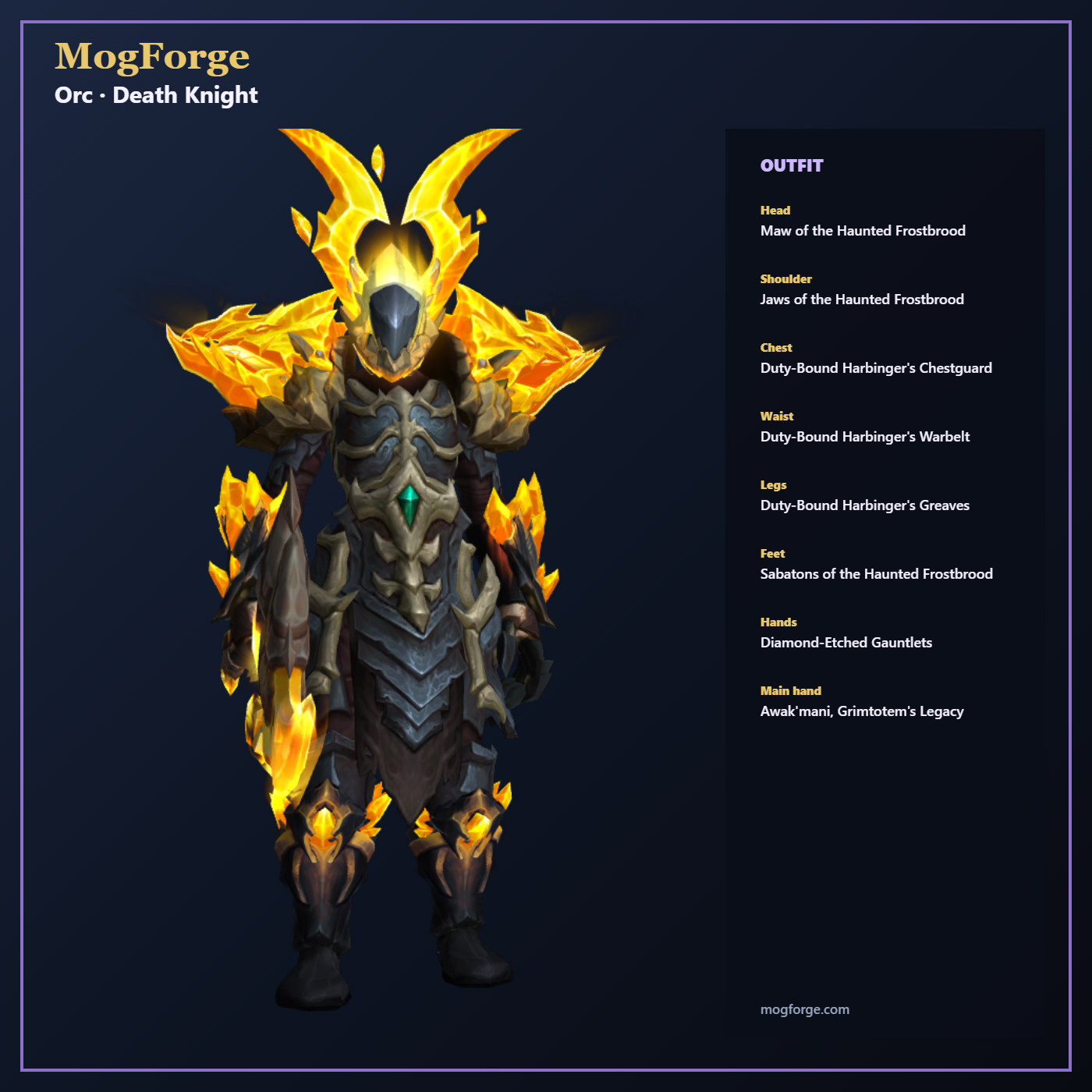
Add pieces to Transmog to preview them on a character and explore recommendations for empty slots. You can export the outfit to the in-game Dressing Room or make a shareable link without creating an account. A Community gallery post requires an account.
Sources and colors are derived from available game data and image analysis; some source details may be incomplete and a preview may differ from the in-game appearance. Read more about how MogForge works and its limitations.